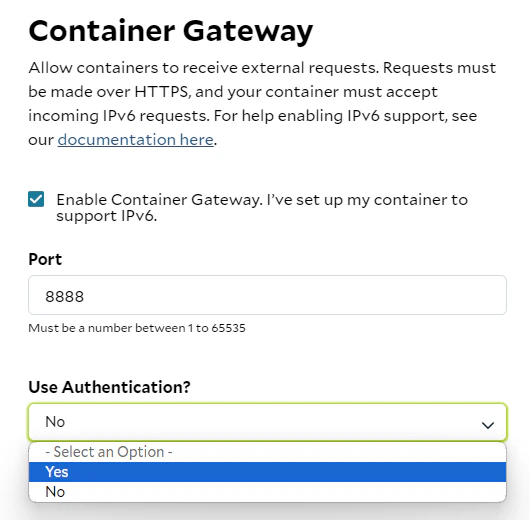
Last Updated: October 15, 2024 If you have selected authentication for the Container Gateway, the access domain name will indicated it is “Protected” and a lock icon will be shown. You will need to provide your API key in the header of requests. First, you’ll need the domain name of your container group and your API key. You can view and copy your API key at portal. Obtain the domain name in the details of your deployment, e.g.Documentation Index
Fetch the complete documentation index at: https://docs.salad.com/llms.txt
Use this file to discover all available pages before exploring further.

Salad-Api-Key however you’d like,
e.g.
Optional Container Gateway Authentication
Please note that requiring authenticated networking to the containers is optional, You can choose whether to enable or disable authentication for your containers. However, we recommend implementing your own authentication if you plan not to use ours.